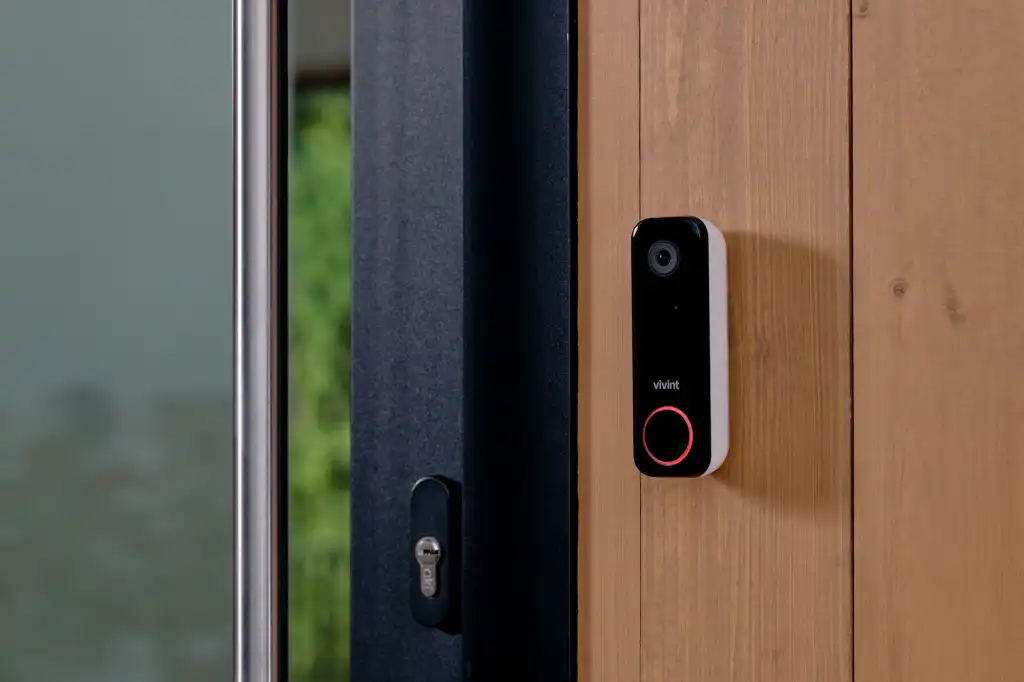
Smart-home setup goes smoothly when the device is compatible with the home, the Wi-Fi and account credentials are ready, and the requested work is a supported installation rather than unplanned electrical modification.
Smart-home setup is best done before you need it. Locks, cameras, doorbells, thermostats, and sensors all depend on placement, Wi-Fi signal, app access, and clean account setup.
Bring the device login, confirm Wi-Fi access, and decide where visibility matters most. The goal is simple: devices that work when you open the app, not another box sitting on the counter.
Check compatibility before the appointment
- Exact device model and manufacturer requirements.
- Wi-Fi band, signal strength, and network password.
- A charged phone with the current device app installed.
- Existing wiring or mounting surface where the product requires it.
- Property permission for renters or managed buildings.
- Any subscription or cloud-storage choice needed for full features.
Protect account access and privacy
The customer should control the primary account, password, recovery email, multi-factor authentication, and household sharing. Do not send passwords in public booking notes. Enter sensitive credentials directly into the app during setup and remove old owners or installers when a device changes hands.
Know when another trade is required
A like-for-like device setup is different from adding new permanent wiring, moving an outlet, or altering an electrical circuit. Work outside the supported service scope may require a properly licensed professional. Share wiring photos and the current device model before booking so the request can be reviewed.