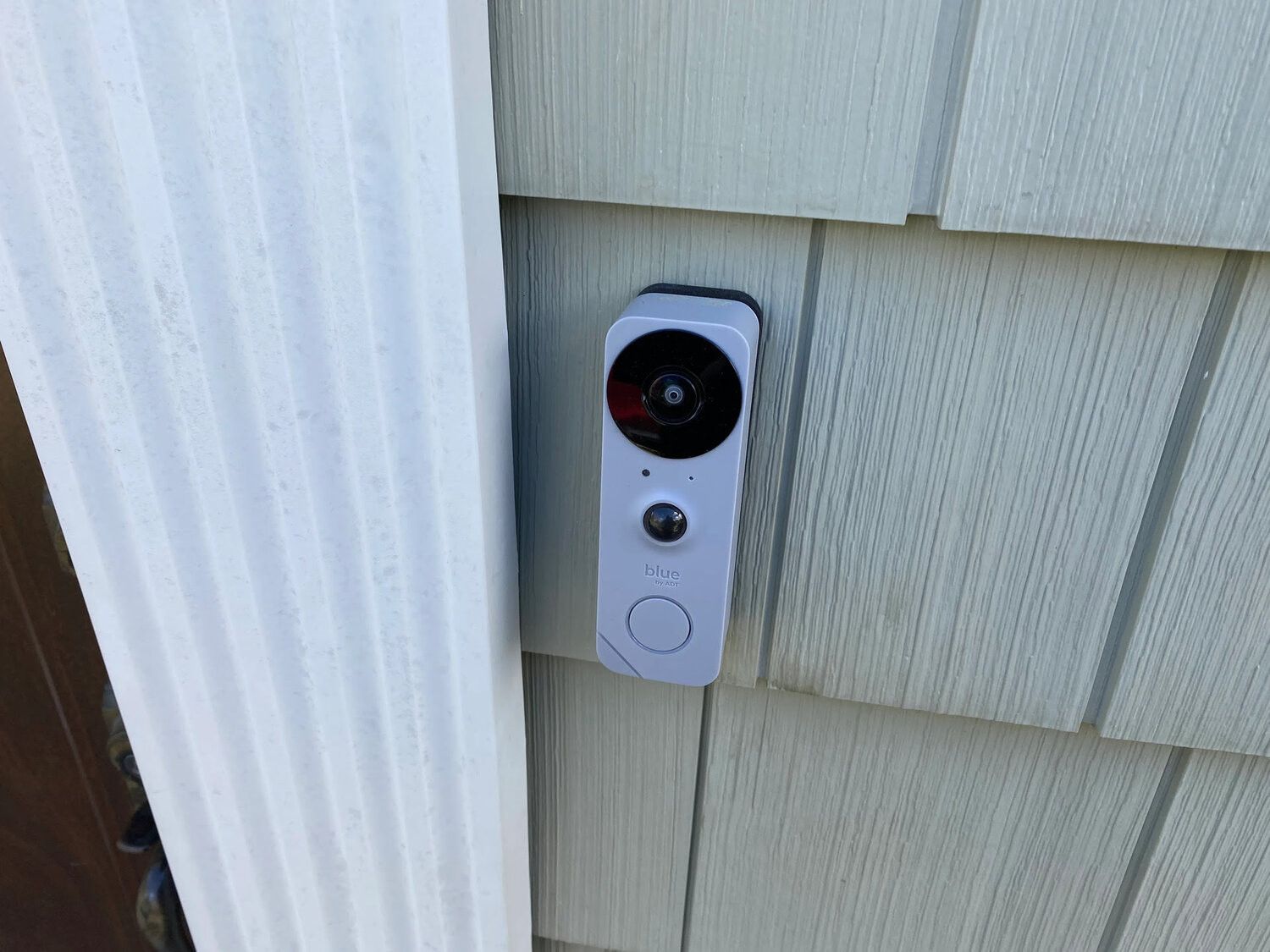
A battery video doorbell is installed and set up for $89. Replacing a wired doorbell is $119. The pro mounts it, connects it to your Wi-Fi and sets up the app with you, and you pay once it works.
A video doorbell is one of the most useful small upgrades for a front door: you see who is there, talk to them and get an alert when a package arrives. The installation is short, but two things decide how it goes: how the doorbell gets power and how strong your Wi-Fi is at the door.
This guide walks through both, plus what to have ready so the visit ends with the doorbell working on your phone.
Battery or wired: which to choose
Battery doorbells run on a rechargeable pack and need no wiring, so they go on any door frame, including apartments and rentals. You recharge the battery every few weeks or months, depending on how busy the door is and how the settings are set.
Wired doorbells connect to the low-voltage wires of an existing doorbell. They never need charging and often support features that battery models limit, such as constant recording or a faster live view. They need an existing doorbell button and a working chime.
- Battery: any door, no wiring, recharged from time to time
- Wired: replaces an existing doorbell and stays powered
- Rentals: a battery model avoids changes to the wiring
- Features: check the maker's comparison chart before buying
Check Wi-Fi at the front door
The doorbell sits outside the house, often behind brick or stucco, so it gets a weaker signal than a phone in the living room. Stand at the door with your phone on Wi-Fi and play a video. If it buffers, the doorbell will struggle too.
Moving the router toward the front of the home, adding a mesh node, or using a chime that doubles as a Wi-Fi extender solves most weak-signal doors. Router setup and optimization is $99 if you want it handled at the same visit.
- Test the Wi-Fi at the door, not inside
- Have the Wi-Fi name and password ready
- Check which Wi-Fi bands your doorbell supports
What replacing a wired doorbell involves
The pro removes the old button, checks that the existing wires carry power, connects the new doorbell to them and mounts it, using the wedge or corner kit from the box if the angle needs correcting. Some models also need the small power kit from their box fitted inside the existing chime.
The job uses the wiring already in place. If there is no doorbell wire, the transformer needs replacing or a new circuit is needed, that is work for a licensed electrician, and a battery model is the simpler path.
App setup and settings
Installation is not finished until the doorbell works on your phone. The pro sets up the app with you, connects the doorbell to Wi-Fi and goes through motion zones, alert settings and who else in the household gets notifications.
Plans for recorded video are between you and the doorbell maker. Decide whether you want one before the visit so recording can be switched on during setup.
- Install the doorbell's app and create the account beforehand
- Decide on a recording plan
- Choose who in the household should get alerts
- Set motion zones so passing cars do not trigger alerts
What it costs
A battery doorbell installed and set up is $89. Replacing a hardwired doorbell is $119. Many people add an entry upgrade at the same visit, such as a smart lock that replaces the deadbolt, which is $109.
- Battery doorbell, installed and set up: $89
- Hardwired doorbell replacement: $119
- Smart lock, deadbolt replacement: $109
- Wi-Fi router setup and optimization: $99
Before the appointment
A charged battery and an installed app save the most time on the day. For a wired replacement, knowing where the chime is inside the house helps too.
- The doorbell with everything that came in its box
- The battery charged fully the day before
- The chime's location, for a wired model
- Clear access to the door and the chime
- Your phone, with the app installed and signed in
Frequently asked questions
Can a video doorbell be installed without existing wiring?
Yes. Battery models need no wiring and mount on any door frame. Installation and setup is $89.
Will my old chime still ring?
With a wired installation it usually does, sometimes with the power kit from the doorbell box fitted at the chime. Battery models can pair with a plug-in chime sold by the doorbell maker.
Do I need a subscription?
Live view and alerts generally work without one. Recorded video history usually needs the maker's plan.
What if my Wi-Fi does not reach the door?
A mesh node, a router moved closer or a chime that extends Wi-Fi usually fixes it. Router setup and optimization is $99.
Is a video doorbell okay for a rental?
A battery model is the usual choice because it leaves the wiring alone. Check your lease before drilling into the door frame.